Seawise Backup: a web interface to simplify Kubernetes backups with Velero and OADP
Backing up Kubernetes is not just about “taking a copy” of the environment. In practice, it involves namespaces, volumes, retention policies, restore workflows, storage locations, credentials, and, in many cases, operations end up concentrated in CLI commands and YAML files. That is exactly where Seawise Backup comes in.
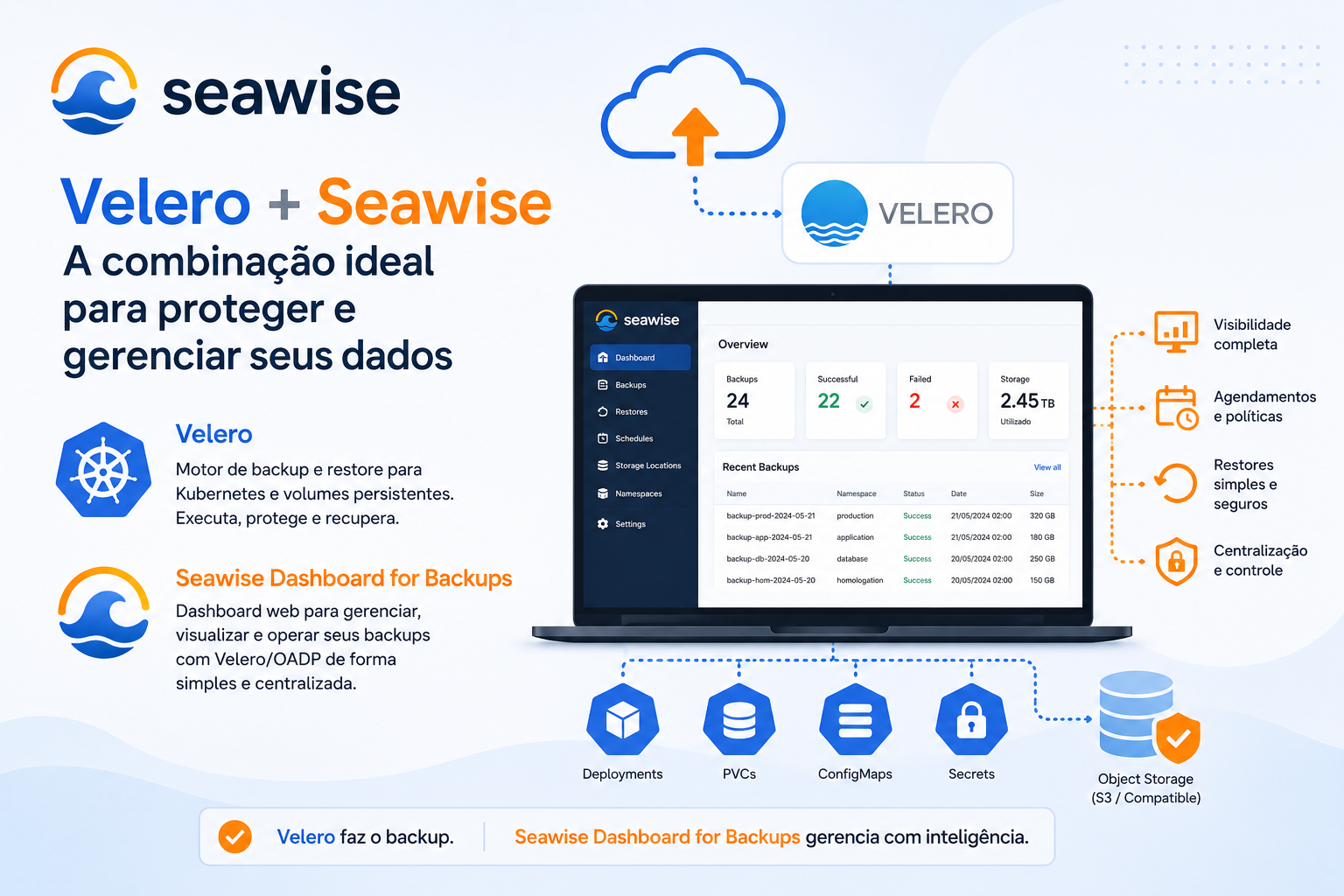
Seawise Backup is an open source web application built to manage backup and restore operations in Kubernetes environments, working on top of Velero and OADP through a more direct visual interface for infrastructure, platform engineering, DevOps, and operations teams. The project presents itself as a professional interface for managing backups, restores, and disaster recovery scenarios in Kubernetes and OpenShift. )
What Seawise Backup actually is
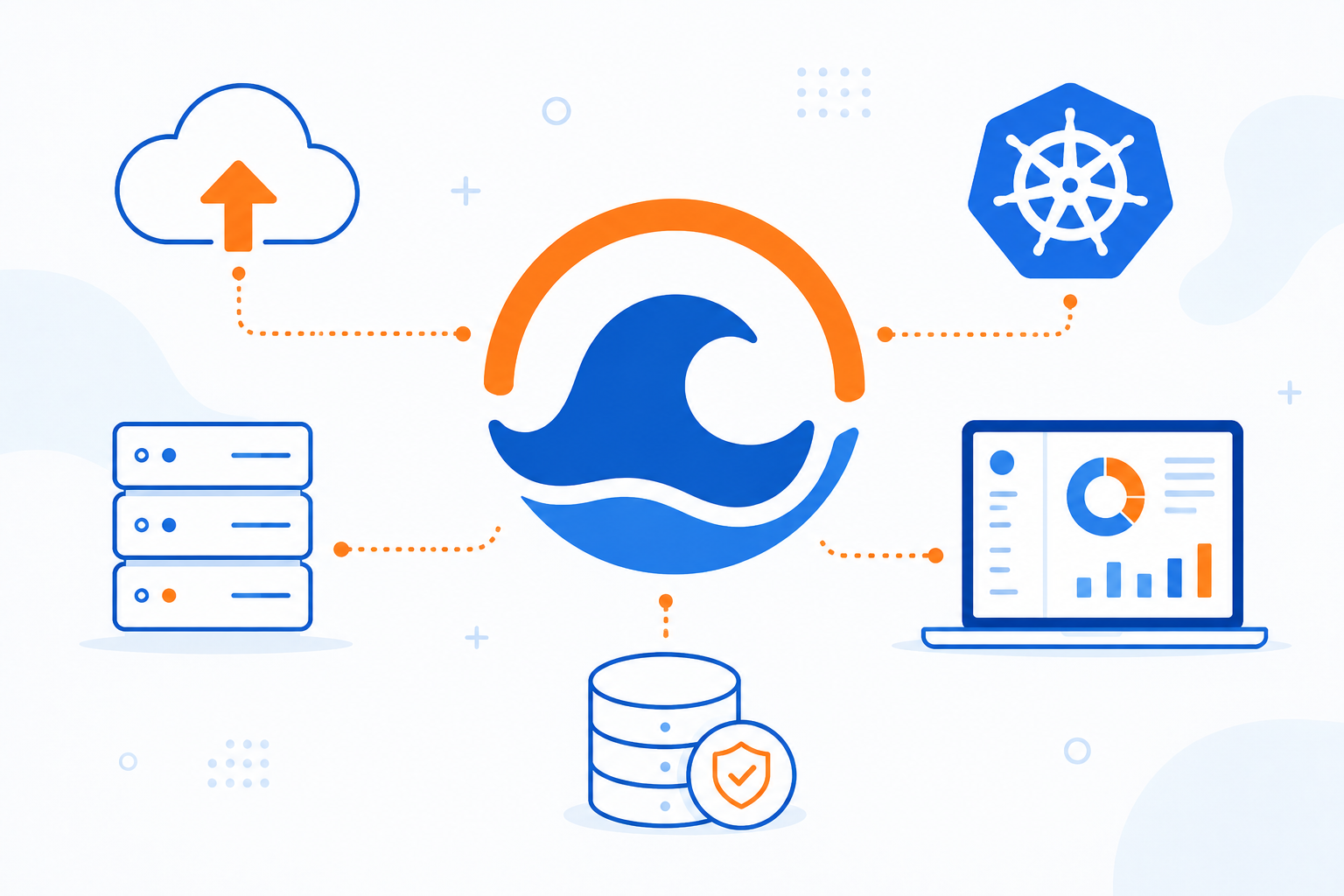
Seawise Backup does not replace the backup engine itself. It works as a management and operations layer on top of established technologies, mainly Velero for Kubernetes and OADP for OpenShift. The goal is to reduce dependence on command-line operations for day-to-day backup tasks and centralize those operations in a web dashboard.
The product is described as a complete backup management system for Kubernetes, focused on creating, managing, scheduling, and restoring backups using Velero.
What problems it tries to solve
In many environments, Kubernetes backup technically works, but the operation is poor. The team may already have Velero installed, yet administration is fragmented across manifests, custom resources, manual commands, and limited operational visibility. This usually creates a few common problems:
- difficulty creating and reviewing backup policies quickly;
- restore operations that become cumbersome under pressure;
- low visibility into failures, success rates, and history;
- excessive dependence on people who know the CLI and the internal structure of Velero/OADP;
- little standardization across Kubernetes, Rancher, and OpenShift clusters.
Seawise tries to address that by providing a single interface to operate backups and restores in a more visual and centralized way.
Main features
Seawise Backup provides a fairly objective feature set for backup operations:
- on-demand backups;
- scheduled backups with recurring policies;
- restore workflows through the UI;
- PDF and CSV reports;
- management of Backup Storage Locations (BSL);
- management of DPA in OpenShift environments with OADP;
- support for multiple storage providers, including AWS S3, Azure Blob, and Google Cloud Storage;
- role-based authentication such as admin, backup operator, and viewer;
- support for English and Portuguese;
- automatic cluster detection in Kubernetes, Rancher, and OpenShift environments.
The repository also mentions features such as version checking, user management, custom logo upload, email notifications, and an initial configuration wizard.
How it works in practice
The operational model is straightforward: first, you install the application in the cluster, then you connect the interface to the existing Velero/OADP environment, configure storage locations, and start managing backups, restores, and monitoring through the dashboard. The flow described on the official website is basically: deploy, configure, backup, and monitor.
In OpenShift, the project also exposes management of DPA (Data Protection Application), which is the resource used by OADP to configure Velero in the cluster. The documentation makes it clear that this part is specific to OpenShift; in generic Kubernetes clusters, the flow goes directly to storage and Velero configuration.
Dashboard and operational visibility
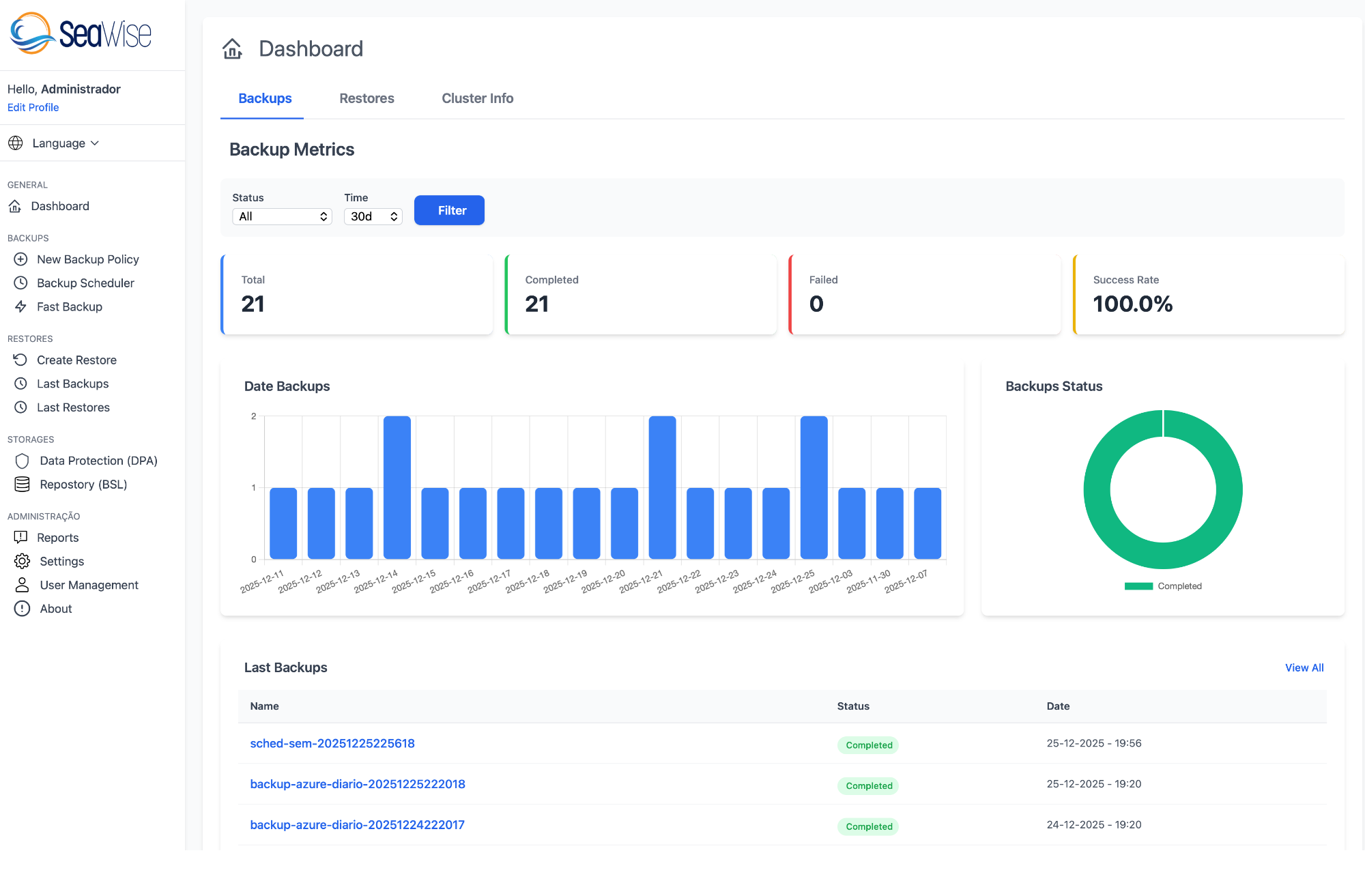
One of the most useful aspects of Seawise Backup is that it is not just a screen to trigger backups. The documentation shows that the dashboard brings together backup metrics, restore visibility, and cluster information. The displayed data includes:
- total backups;
- successful backups;
- failed backups;
- success rate;
- executed restores;
- average restore duration;
- charts by period and status;
- recent backups and recent restores;
- cluster information such as platform version, number of nodes, and namespaces.
That matters because backup without visibility is just a false sense of safety. Having history, indicators, and a quick operational view of the environment is valuable in day-to-day operations.
Security and access control
Another relevant point is that the project does not treat the interface as fully open. The documentation describes session-based authentication with three permission levels: admin, backup, and viewer. The admin profile has full control; the backup profile can operate backups and restores; and the viewer profile is limited to read-only access.
Supported platforms
. The official material cites support for:
- Kubernetes with Velero integration;
- OpenShift with OADP support;
- Rancher for multi-cluster scenarios;
- storage on AWS S3, Azure Blob, and Google Cloud Storage.
In practice, that makes the product interesting for teams that do not want a solution tied to a single Kubernetes distribution.
Installation and delivery model
Seawise Backup is distributed as a Helm Chart, with specific guides for Kubernetes, OpenShift, and Rancher. The repository shows quick installation instructions and configuration parameters such as the Velero namespace, ingress or route enablement, and PVC-based persistence.
One important detail: the public documentation and the repository should always be read together, because in evolving projects there may be differences between the version documented on the website and the most recent release published on GitHub.
Where Seawise makes the most sense
Seawise seems most useful in scenarios like these:
- teams already using Velero/OADP but wanting a more accessible operational layer;
- environments where backup and restore cannot depend on a single person who “knows the commands”;
- OpenShift clusters where DPA and storage management need to be more visual;
- teams that need reports, history, and some operational governance;
- companies that want a single interface across different Kubernetes environments.
Conclusion
Seawise Backup is an interesting option for teams that want to turn Kubernetes backup from a purely operational, CLI-based activity into a more organized, visual, and shareable experience across teams.
The value of the product is not in creating a new backup engine, but in adding a practical layer on top of Velero and OADP, with dashboarding, authentication, reports, storage management, and support for Kubernetes, OpenShift, and Rancher. For teams that already live with the daily reality of backup and restore in clusters, that can reduce operational friction in a very real way.
Official links
- Official website: https://seawise.cloud
- Documentation: https://seawise.cloud/docs
- GitHub: https://github.com/shwcloudapp/seawise-backup